

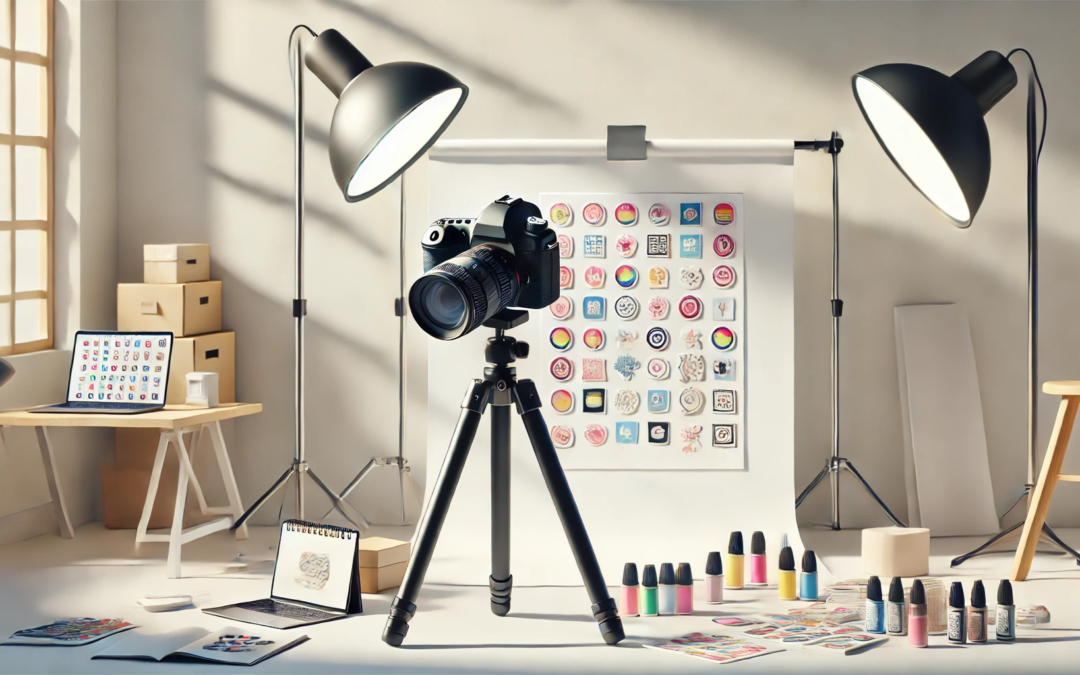
When it comes to selling stickers online, great product photography is key. A well-captured image can make your stickers pop off the page, driving clicks and sales. Whether you’re selling on Shopify, WooCommerce, Etsy, your own website, or through social media, here’s how to take photos that truly showcase your designs and the effort you put in to create stickers.

Understanding the Importance of Sticker Photos 

High-quality product images are crucial for selling stickers online. They help potential customers visualize the product, understand its features, and make informed purchasing decisions. Sticker photos can make or break a sale, as they are often the first thing customers see when browsing online stores. Investing in high-quality product images can increase customer satisfaction, boost sales, and enhance brand visibility. When it comes to sticker photos, there are several key considerations to keep in mind. First, the image should be clear and well-lit, showcasing the sticker’s design and details. Second, the image should be taken from multiple angles, allowing customers to see the sticker from different perspectives. Finally, the image should be optimized for online viewing, with a suitable file size and format. By understanding the importance of sticker photos, businesses can create effective product images that showcase their stickers in the best possible light. This can help attract potential customers, increase sales, and build a strong brand identity.

1. Set Up a Clean and Simple Background

A clean background keeps the focus on your stickers. White or light-colored backdrops work well for a professional look, but you can also experiment with muted tones or natural textures like wood or marble. Avoid busy patterns that might distract from the design.

Pro Tip: Poster boards or sheets of white paper make inexpensive and effective backdrops.

2. Get the Lighting Right 

Good lighting can make or break your product photos. Natural light is your best friend—shoot near a window with soft, diffused light. Avoid harsh sunlight that can create unwanted shadows.

If natural light isn’t an option, use softbox lights or a lightbox to create even illumination. Consider using a ring light for bright and balanced exposure.

3. Use a High-Quality Camera (But Your Smartphone Might Do!) 

You don’t need a fancy DSLR camera to take great product photos. Modern smartphones have impressive cameras and, when paired with good lighting, can deliver sharp, vibrant images.

  • Use gridlines to keep your shots straight. 
  • Clean your lens before shooting. 
  • Avoid zooming in digitally, as it can reduce image quality. 
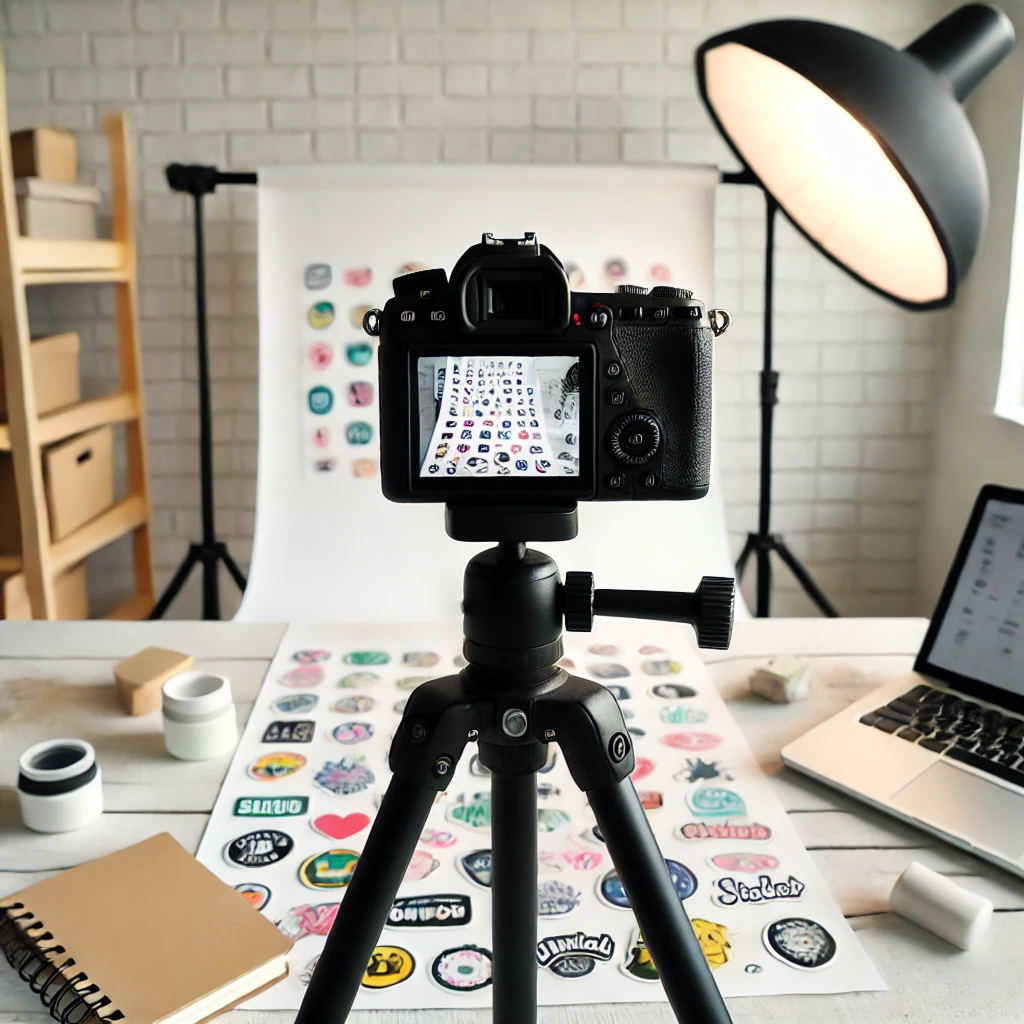
4. Show Stickers in Use 

Help customers envision how they might use your sticker designs. Style shots with stickers applied to laptops, water bottles, notebooks, or packaging. Lifestyle photos can make your stickers more relatable and boost sales.

5. Capture Different Angles and Details 

Take a variety of shots to give your customers a complete view of your stickers. When printing stickers, consider the clarity and detail that different methods can offer:
  • Close-ups: Highlight intricate details. 
  • Flat lay: Showcase multiple stickers in a single shot. 
  • Action shots: Show someone peeling or applying the sticker. 
Including a mix of these images can build trust and reduce hesitation in buyers.

6. Edit, But Keep It Real 

Photo editing can enhance your images, but avoid over-editing. Stick to simple adjustments like:
  • Brightness and contrast: Make colors pop.
  • Crop and straighten: Ensure your stickers are centered and well-framed.
  • Color correction: Keep colors true to life.

7. Optimize for E-Commerce 

Make sure your photos are the right size and format for your selling platform. High-resolution images look great, but large files can slow down your site—resize and compress as needed.
Include a mix of:
  • Thumbnail images for quick browsing. 
  • High-quality product photos for product pages. 
  • Lifestyle shots for social media and marketing.

Capturing eye-catching photos of your stickers doesn’t require expensive equipment—just a bit of creativity and attention to detail. By following these tips, you can create professional, appealing photos that help your stickers shine and boost your e-commerce success.